
Produkt
It all comes down to prompts: what the MCP interface in kanbau can do – and where it stops
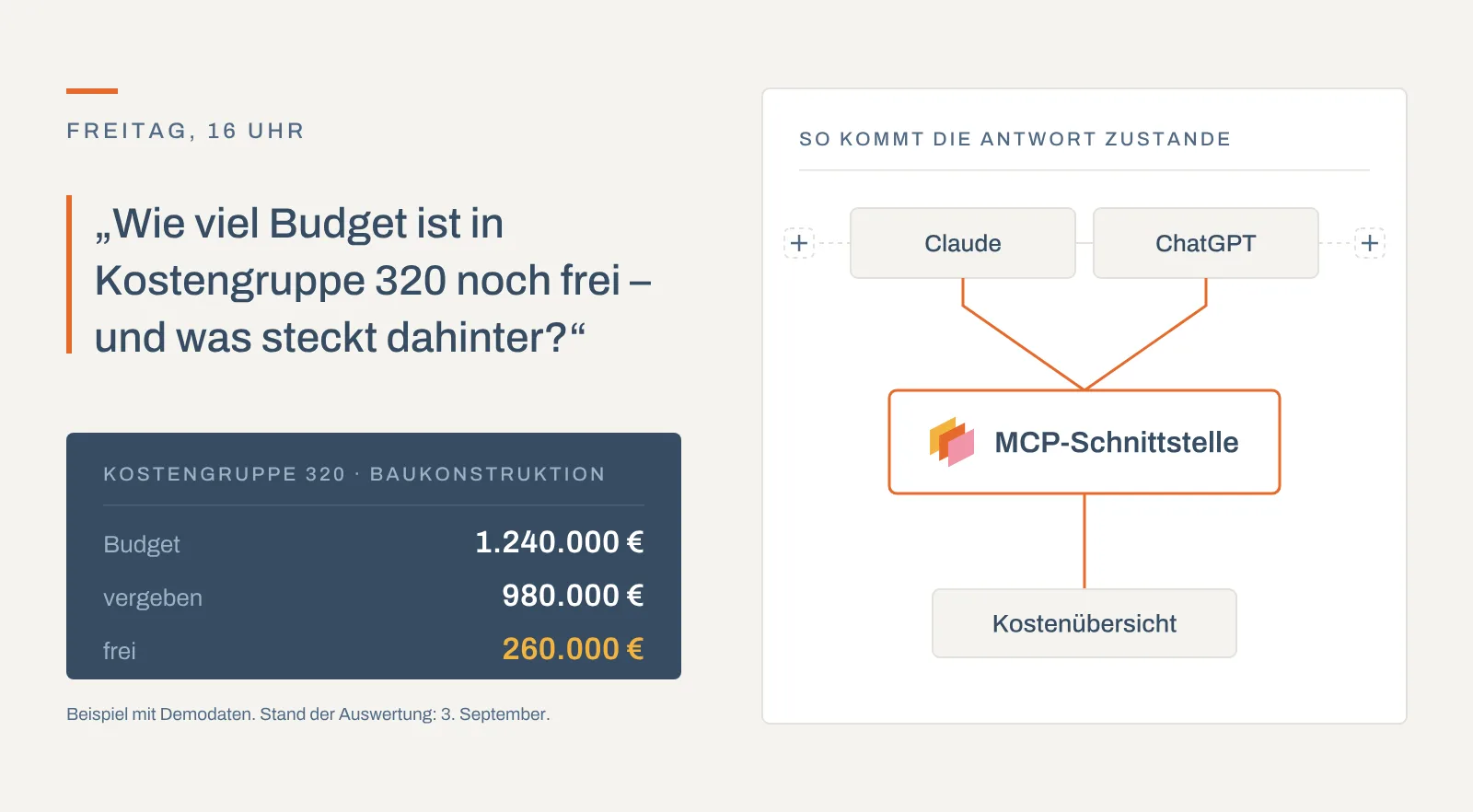
kanbau now has an MCP interface: your AI assistant works directly with your project data – explaining costs, reading contracts, recording invoices.
From the subcontractor's progress invoice to the payment amount: captured, calculated against the contract, approved and posted.
We provide the login details for the demo system.
Included in: Standard
XRechnung and ZUGFeRD are read directly, PDFs and scans are recognised by AI. You confirm the pre-filled data; kanbau warns about document numbers already recorded.
Instalments are calculated over all checked work, less what has already been invoiced. Main order, change orders and remaining order value are shown on the invoice sheet.
Security and warranty retention, standard deduction and insurance come from the purchase contract, with or without the final invoice as configured.
Early-payment discount, construction withholding tax without exemption, reverse charge and offsetting lead transparently to the payment amount.
Statuses open, checked and posted, multi-step workflows and external review via link, optionally with a stamp (Advanced).
Instructing payment creates a SEPA file or an online transfer; posted documents go to DATEV via the booking journal.
Mailbox, upload or e-invoice; the data is pre-filled and you confirm.
Choose the purchase contract; sender, project, tax and deductions are copied.
Cumulative across all instalments, with retentions, discount and withholding tax.
Status checked, workflow steps and external review via link where needed.
Instruct payment, match the bank transaction, post and hand over to DATEV.
For a property developer, an incoming invoice is usually a subcontractor's progress invoice under a purchase contract. kanbau takes it in five steps from receipt to the hand-over to financial accounting. Every invoice belongs to a project; with a contract it follows the contract's cost group and, once posted, appears in the project's cost overview.
Invoices reach kanbau via the mailbox, as an upload, from a bank transaction or via CSV import. E-invoices in XRechnung (UBL and CII) and ZUGFeRD/Factur-X format are read directly; PDF invoices and scans are recognised by AI. Document number, document and due date, amounts, VAT rate, sender, project and a discount amount are then pre-filled. kanbau matches the sender with your addresses by name, e-mail and town, otherwise by IBAN, and warns if the document number has already been recorded. You check the suggestions and create the invoice. Invoice recognition and e-invoice import are billed by usage.
When you select the purchase contract, the invoice takes over sender, project, VAT rate, the reverse-charge setting (§13b of the German VAT Act) and the contractual deductions. The invoice sheet shows main order, posted change orders, total order, performance level and remaining order value.
Progress invoices are calculated cumulatively: each instalment is calculated over all work checked so far under the contract, less what earlier instalments have already invoiced. With the standard cumulation, the subcontractor states the work of this instalment and kanbau adds the instalments checked so far. With "by performance level", the invoice states the total work to date. The types "single invoice despite contract", "advance payment" and "warranty" cover invoices outside the chain. You mark the final invoice on the invoice itself.
The calculation starts with the document total; the checked total is what you accept after review. Rebate and defect retentions are deducted, then the contractual deductions: standard deduction, insurance, security retention and warranty retention. The security retention secures performance of the contract and usually applies to every instalment except the final invoice; the warranty retention usually applies only to the final invoice. Manual deductions, offset advance payments and refunds are added. The early-payment discount follows the payment terms, with the deadline counted from the date of receipt; a fixed amount is possible. Construction withholding tax is only deducted if no valid exemption certificate exists; the exemption can be checked online with the Federal Central Tax Office (Advanced). For reverse-charge invoices the payment amount is net. Offsetting against other incoming invoices and posted dunning fees complete the calculation.
An incoming invoice moves through the statuses open, checked and posted. Multi-step approvals are set up as workflows, for example check invoice, check bank details and instruct payment; rules can refer to the amount. Site managers or architects review via link without a kanbau account: up to ten external reviewers per invoice, with a deadline and optionally with a stamp (Advanced). Their result is recorded in the invoice's review history. Before posting, kanbau checks the mandatory fields defined in your company settings.
Instructing payment creates a SEPA file, also collectively for several invoices, or executes an online transfer. Retrieved bank transactions are matched to the invoice. kanbau suggests the account assignment from the contract, the address, the project or the sender's last invoice. Posted documents go into the booking journal, which you hand over to DATEV, the accounting standard used by most German tax advisors. Open amounts appear on their due date in the cash flow planning, paid amounts as actuals. Recurring costs are captured as recurring invoices (Advanced).
Incoming invoices arrive via the mailbox, as an upload, from a bank transaction or via CSV import. E-invoices in XRechnung or ZUGFeRD format are read directly, PDF invoices and scans are recognised by AI. Document number, dates, amounts, sender and project are pre-filled; you check and confirm. If a document number has already been recorded, kanbau warns you.
Cumulative invoicing means that kanbau calculates each instalment over all work checked so far under the purchase contract and deducts what has already been invoiced. This keeps retentions and deductions consistent across all instalments. Besides the standard cumulation, kanbau offers the types by performance level, single invoice despite contract, advance payment and warranty.
Security retention, warranty retention, standard deduction and insurance are stored in the purchase contract and copied into every invoice for it. For each deduction you decide whether it applies always, except for the final invoice, or only for the final invoice. Manual deductions, defect retentions and refunds are added on the invoice.
Invoices are approved through the statuses open, checked and posted and, if you wish, a multi-step workflow. Site managers or architects without a kanbau account review via link, up to ten external reviewers per invoice, optionally with a stamp (Advanced). Payment is instructed as a SEPA file or an online transfer; posted documents are handed over to DATEV via the booking journal.
Every module uses the same data – nothing is entered twice.
kanbau now has an MCP interface: your AI assistant works directly with your project data – explaining costs, reading contracts, recording invoices.

New in kanbau: the site diary for property developers – AI text recognition, automatic weather data, digital signatures and PDF in one click.

Choosing software for property developers: an all-in-one approach, speed, mobility and ease of use as criteria – and how kanbau addresses them.

30 minutes, with your questions and your processes.
Book a demoor call: +49 911 477 133 80